
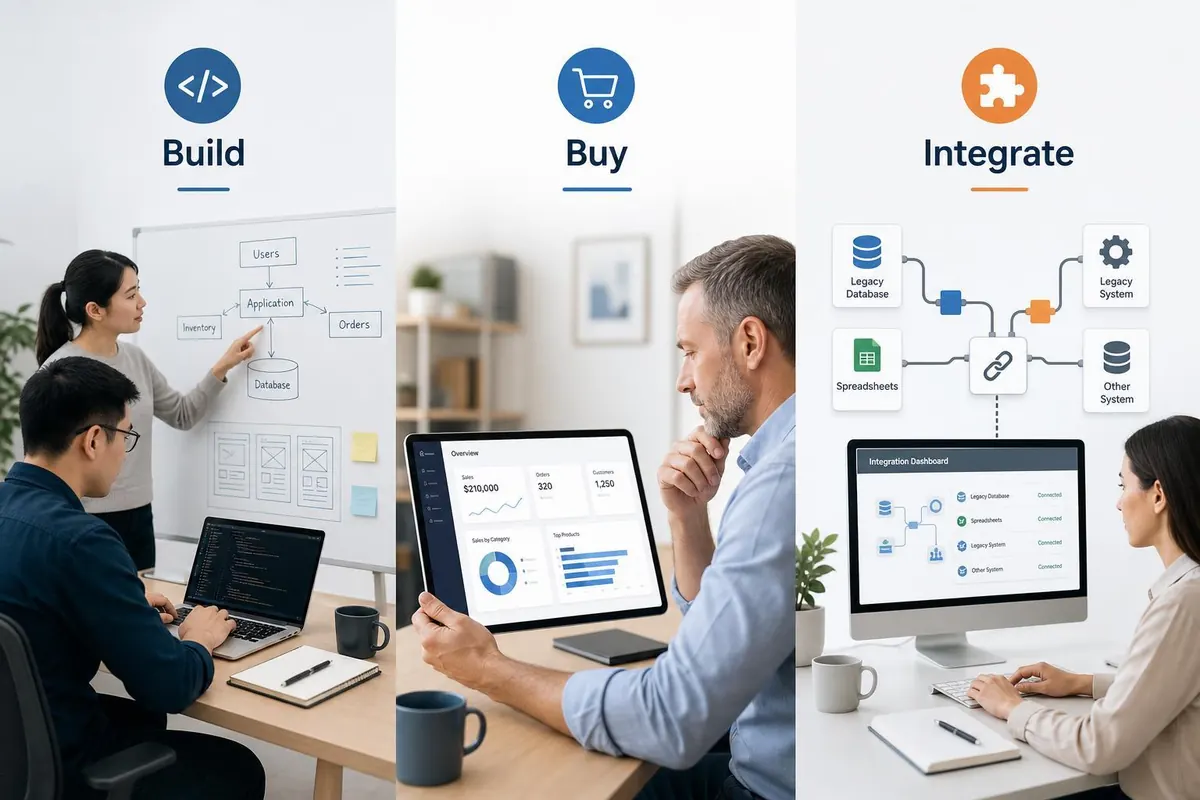
How small businesses in BC should choose an ERP: build, buy, or connect existing systems?
Introduction
Choosing an enterprise resource planning (ERP) approach is one of the most consequential IT decisions for small and medium businesses in British Columbia. Should you invest in a custom-built system, subscribe to an off-the-shelf cloud product, or avoid a full ERP and instead connect the existing apps you already use? Each path has different cost profiles, timelines, risks and benefits. This article walks through a practical, sequential approach to decide which option fits your company today and scales with you tomorrow. You will get actionable criteria, cost ranges in Canadian dollars, and implementation guidance aimed at helping owners, operations managers and finance leads make a grounded decision without vendor bias.
Assess your current situation
Start with a clear, documented baseline. Without this, you cannot compare options fairly.
- Map core processes - list every process that would be touched by ERP: order-to-cash, purchasing, inventory, manufacturing, payroll, reporting.
- Count users and transactions - number of concurrent users, monthly invoices, inventory SKUs, transactions per month. These drive performance and licensing needs.
- Identify pain points - manual work, reconciliation time, error rates, month-end duration. Quantify in hours per week or month where possible.
- Inventory current systems - accounting package, CRM, POS, Excel, third-party logistics, payroll provider. Note whether these systems have APIs, export formats, and data quality.
- Regulatory and reporting requirements - GST/PST needs in BC, payroll remittance, industry-specific reporting, data residency preferences.
Documenting the above creates the acceptance criteria you will use to evaluate build vs buy vs integrate options and ties choices back to business value.
Compare the three options: pros, cons and typical costs
Below are the practical advantages and disadvantages of each approach for a BC SMB, plus ballpark cost and timeline ranges to set expectations.
| Option | Pros | Cons | Typical cost (CAD) | Typical timeline |
|---|---|---|---|---|
| Build in-house (custom) | Fully tailored to processes; competitive advantage possible; full control over data and workflow | High upfront cost; long delivery; ongoing maintenance and staff dependency; higher risk | $50,000 - $300,000+ initial; $1,000+ monthly maintenance | 6-18 months minimum |
| Off-the-shelf (cloud/SaaS) | Faster deployment; predictable subscription model; vendor support and updates; lower initial cost | May require process change; customization limited or expensive; vendor lock-in | $500 - $6,000+/year per user; implementation $2,000 - $25,000 | 1 week - 6 months |
| Connect existing systems (middleware/integration) | Lowest disruption; preserves current investments; faster ROI if systems suffice | Integration complexity; may not eliminate duplicate data entry; patchwork can become technical debt | $2,000 - $50,000 depending on complexity; ongoing integration fees $50 - $2,000/month | 2 weeks - 6 months |
Decision criteria and practical checklist
Use the following measurable criteria to decide. Score each option against them to make a rational choice rather than an emotional one.
- Total cost of ownership (TCO) - include implementation, hardware, licences, training, and 3-5 years of maintenance. If TCO for build exceeds available capital or expected ROI period, rule it out.
- Time to value - how soon do you need measurable benefits? If within 3-6 months, off-the-shelf or integration is usually better.
- Process uniqueness - if your process is a key differentiator and cannot be achieved by standard systems without heavy compromise, build or highly customizable solutions become more attractive.
- Scalability and performance - estimate future transaction volumes. Confirm that your choice can handle growth for 3-5 years without costly rework.
- Integration capability - check APIs, middleware support, data formats. If you rely on several existing apps, the ability to integrate cheaply may favor the integration route.
- Security and compliance - ensure vendor meets Canadian privacy expectations and data residency needs if relevant.
- Vendor risk - check vendor stability, references in Canada, support SLA and exit terms. For custom builds, evaluate team continuity risk.
- Change management and training - estimate internal training hours and user resistance. Simpler UIs reduce training costs and speed adoption.
- Customizations vs configuration - prefer configuration when possible. Customization multiplies cost and upgrade risk.
- Exit and data portability - ensure you can extract your data in usable formats without excessive fees.
Practical scoring tip: create a spreadsheet, weight criteria (for example cost 25%, time 20%, scalability 15%, etc.) and score each option 1-5 to get a comparative result.
Implementation considerations and next steps
Once you prefer one option, follow a structured implementation plan to reduce risk and cost.
- Run a pilot or proof of concept - limit scope to a single department or process to validate assumptions and vendor claims.
- Phased rollout - go live in phases. Start with essential modules; add others after stabilizing.
- Data migration plan - list source systems, cleanup tasks, mapping rules, and test migrations. Allocate 20-30% of project time to data issues.
- Training and documentation - schedule role-based training and keep short quick-reference guides for common tasks.
- Measure success - define KPIs up front: reduced invoice cycle time, fewer manual hours, inventory accuracy, faster close. Track weekly for the first 3 months.
- Contracts and SLAs - for vendors include uptime guarantees, support response times, maintenance windows, and clear termination/data return clauses.
- Budget contingencies - keep 10-25% contingency for unexpected integration or data cleanup work.
Sample small BC timeline: select vendor 4 weeks, pilot 4-8 weeks, phased rollout 8-16 weeks, full stabilization 3-6 months. Adjust by complexity.
Quick checklist before you decide
- Have you quantified current costs and projected savings?
- Can you live with standard process changes, or do you need heavy customization?
- Does the chosen path meet regulatory and security requirements in BC?
- Have you interviewed references or seen the system in use?
- Do you have a defined rollout and training plan with contingencies?
Conclusion
Choosing between building a custom ERP, buying an off-the-shelf solution, or integrating existing systems depends on measurable business needs: budget, time to value, process uniqueness and growth plans. For many small businesses in British Columbia, off-the-shelf cloud ERP offers the best balance of speed, cost predictability and vendor support when processes are mostly standard. Integration of existing tools is attractive when current systems handle most needs and you want minimal disruption. Building a custom system is only compelling when unique, high-value processes cannot be supported any other way and you can afford higher upfront costs and long timelines. Use the assessment steps and decision criteria above to score options, run a pilot before full rollout, and set KPIs so your investment produces the expected benefits. The disciplined approach will reduce risk and help you choose the ERP path that fits both your operations and your budget.