
Fintech
Locked Ledgers: How to Extract Data from Desktop Accounting — Read‑Only Feeds, Scheduled Syncs, and Why Direct DB Access Is Risky
Introduction
If you run a small business in British Columbia, you probably rely on an accounting package to keep invoices, bills, payroll and bank reconciliations in order. Yet getting that data out for reporting, BI, or a migration often becomes unexpectedly difficult. Desktop accounting files are frequently built without a modern application programming interface (API), and simple export files such as CSV or Excel can become out of date the moment they are created. This article explains why extracting accounting data is challenging, explores practical patterns like read-only extraction and scheduled synchronization, and explains why directly opening the production database is usually a bad idea. The aim is to help you choose safe, maintainable approaches that protect your business and keep costs reasonable.
Why desktop accounting files often lack APIs
Many desktop accounting products were designed before cloud-native patterns became standard. Their focus was on single-desktop usage, fast local access, and supporting accounting functions rather than integrations. As a result:
- No native API: There is often no documented API for programmatic access, or the API is limited to an on-premise add-on that is expensive to implement.
- Proprietary file formats: Data may be stored in proprietary containers that require vendor libraries or reverse engineering to read reliably.
- Version fragmentation: Different installations run different product versions, so even add-ons behave inconsistently across clients.
For a small BC business this means your accountant or bookkeeper may export monthly reports manually, and any automated reporting will either be fragile or simply not exist.
The pitfalls of export files and why they go stale
Exporting to CSV or Excel is the most common workaround because it is simple and inexpensive. But this technique has serious limitations:
- Point-in-time snapshots: An exported file represents data at the moment of export. If transactions are edited later, the file becomes obsolete.
- Human error: Manual exports can miss fields, encoding settings can break special characters, and file overwrites can lose history.
- Schema drift: If the accounting software changes column names or data types during an upgrade, your import or analytics pipelines will fail.
- Security and auditability: Insecure file transfer (email, USB sticks) exposes sensitive financial data and makes audit trails weak.
Given these weaknesses, exports are a good short-term fix but poor for ongoing reporting or automated workflows.
Read-only extraction and scheduled synchronization as practical strategies
To reduce risk and keep information current, two complementary patterns perform well for small businesses:
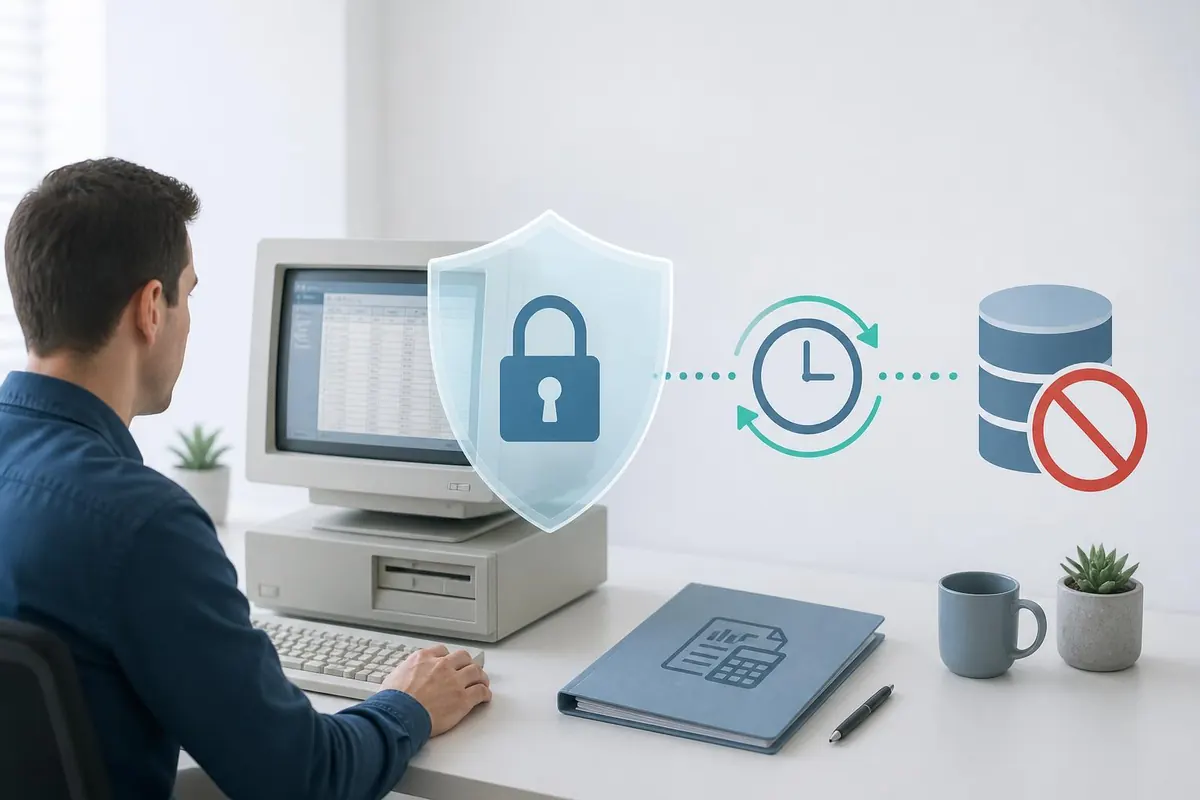
- Read-only extraction: Install a tool or use the vendor-supported export mechanism to extract data without modifying the source. This preserves the production ledger while giving you a reliable data copy for reporting.
- Scheduled synchronization: Automate exports or extracts on a regular schedule - for example, hourly or nightly - so downstream reports and dashboards stay reasonably up to date without constant manual intervention.
Benefits of combining these patterns:
- Lower risk to live data because extraction is non-destructive.
- Predictable data freshness; you can choose acceptable latency (e.g., nightly for bookkeeping, hourly for cash flow).
- Better security when extracts are stored centrally with access controls and encrypted at rest.
Practical implementation tips for BC small businesses:
- Start with nightly sync if you have a lean budget. Expect vendor or consultant setup costs in the range of $500 to $3,000 CAD depending on complexity.
- For near-real-time needs, hourly syncs using a small cloud intermediary can cost from $25 to $200 CAD per month for integration tools plus any development time.
- Always validate extracts with reconciliation routines so you detect schema changes early.
Why directly opening the accounting database is rarely a good idea
It might be tempting to connect directly to the accounting system database to read tables and build reports. While technically feasible, this approach has several downsides:
- Data integrity risk: Allowing direct connections increases the chance of accidental writes or locking that disrupts bookkeeping work.
- Lack of abstraction: Internal schemas are designed for the application, not analytics. You will see many join tables, encoded fields, and business logic implemented outside the database, which increases complexity.
- Upgrade fragility: Vendor updates can rename tables or change column semantics without warning, breaking your reports.
- Security and compliance: Direct DB access expands the attack surface. Small businesses face potential fines and costs to remediate breaches; a single incident could cost thousands of dollars in remediation and lost trust.
Instead of direct DB access, prefer a read-only extraction layer that the vendor supports or an integration that respects the application’s intended access methods. This yields cleaner contracts, easier maintenance, and better supportability when you need help.
Comparing extraction approaches
| Approach | Data freshness | Risk to production | Maintenance effort | Typical cost |
|---|---|---|---|---|
| Manual export (CSV/Excel) | Point-in-time | Low (human error) | High (manual) | Low upfront, variable ongoing ($0 - $50/month) |
| Read-only extraction + scheduled sync | Hourly to nightly | Very low | Moderate (setup, occasional updates) | $500 - $3,000 setup; $25 - $200/month |
| Vendor API (if available) | Near real-time | Low | Low to moderate (well-documented) | Varies; often subscription-based |
| Direct database access | Real-time | High | High (fragile, needs updates) | High risk; potential remediation costs |
Note: Costs are illustrative and depend on your provider, data volume and whether you use a local IT consultant or cloud integration service.
Conclusion
Extracting accounting data from desktop systems can be frustrating because many older packages lack APIs and use proprietary formats. While CSV or Excel exports are quick, they become outdated and error prone. Direct database access may offer real-time reads, but it introduces significant risk, maintenance headaches and security exposure. For most small businesses in British Columbia, the balanced choice is a read-only extraction approach combined with scheduled synchronization. This method protects live data, keeps reports reasonably fresh, and reduces long-term maintenance. Budget for initial setup costs of a few hundred to a few thousand dollars and monthly tool fees if you need more frequent updates. Prioritize secure storage, reconciliation checks and vendor-supported methods to keep your financial reporting reliable and audit ready.