
Introduction
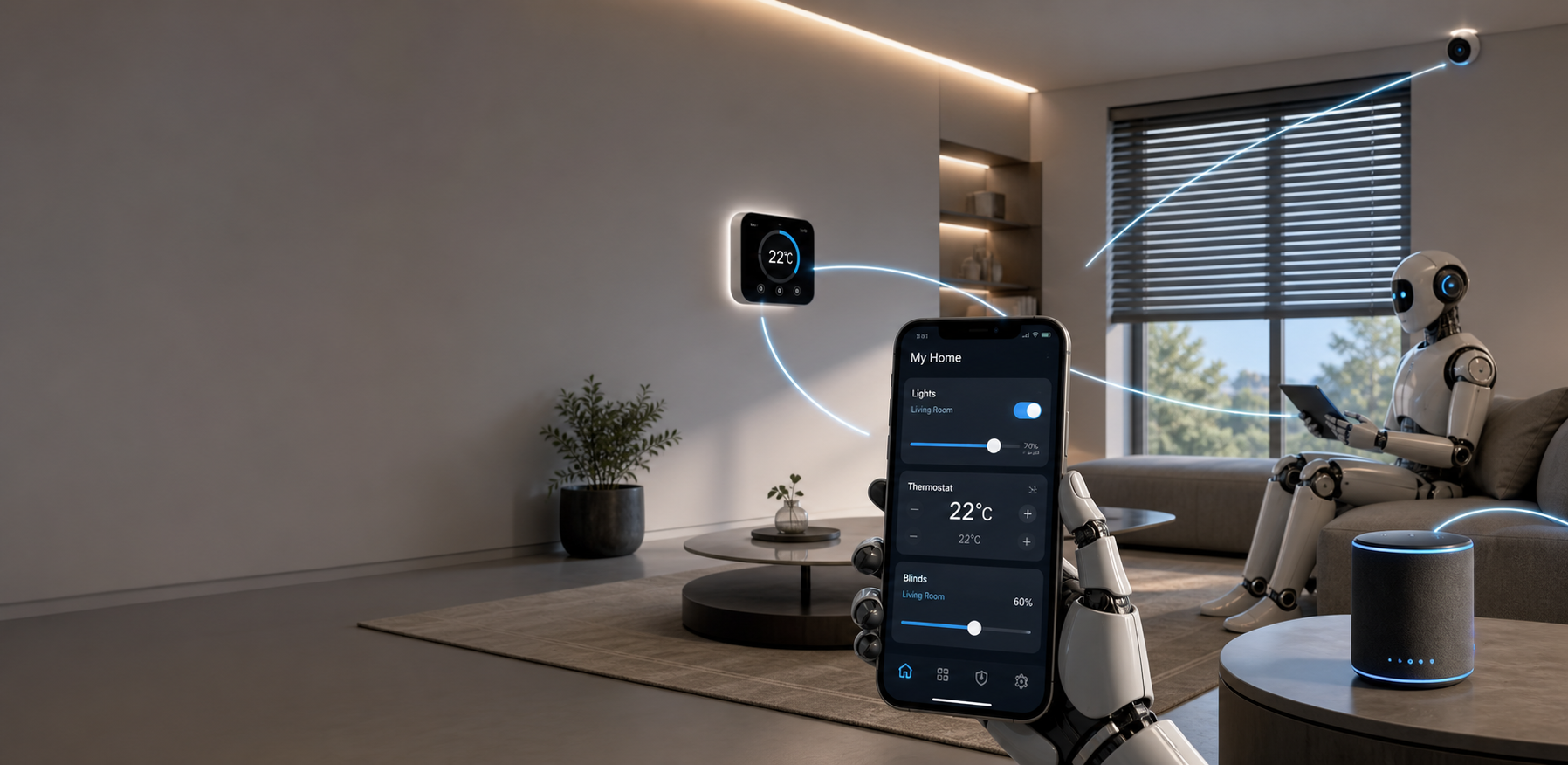
Home automation, often called a smart home, lets homeowners control lighting, climate, security and appliances through connected devices and software. This article explores how automation moves beyond novelty to everyday utility: improving comfort, increasing energy efficiency and enhancing safety. We will examine the building blocks of a reliable system, how to plan and install solutions that integrate with existing networks, and the trade-offs between convenience and privacy. Practical guidance covers device selection, connectivity standards and common pitfalls to avoid when scaling a system from a single smart bulb to a fully automated residence. Whether you are a homeowner planning a phased upgrade or a property manager seeking operational savings, understanding these topics will help you make informed, future-ready choices.
What home automation is and why it matters
Home automation connects sensors, actuators and controllers so that routine tasks happen automatically or with minimal input. Typical use cases include automated lighting schedules, thermostat routines tied to occupancy, security alerts linked to cameras and locks, and appliance control for convenience and energy management. The value proposition is threefold: convenience, cost savings and safety. Automating repetitive tasks frees time, while intelligent control of heating, cooling and lighting reduces utility bills. In addition, real-time alerts and remote access improve security and emergency response. Importantly, effective automation focuses on usable workflows rather than technology for its own sake.
Key components and common technologies
A robust smart home combines several layers: devices, local controllers, cloud services and user interfaces. Devices include sensors (motion, door, temperature), actuators (smart plugs, switches, locks) and multimedia endpoints (speakers, displays). Controllers can be a dedicated hub, a home server or a cloud-based platform that coordinates logic and scenes. Common communication protocols are Wi‑Fi, Zigbee, Z-Wave and Bluetooth Low Energy. Voice assistants (Alexa, Google Assistant, Siri) provide natural interfaces, while automation engines like Home Assistant or commercial ecosystems handle complex rules. Choosing compatible standards and a clear topology prevents fragmentation and reduces long-term maintenance.
Designing and installing a smart system
Start with objectives: what problems will automation solve and what routines should change? Map priority zones such as entryways, HVAC, lighting and media; then pick devices that meet those needs and interoperate with your chosen controller. For installations, follow these practical steps:
- Audit the home network capacity and upgrade the router or add a mesh system if needed.
- Choose a primary ecosystem early to avoid incompatible devices.
- Prefer wired power for cameras and hubs where possible to reduce battery maintenance.
- Implement automation incrementally and test scenes before scaling across the home.
Document device names, firmware versions and login credentials. A consistent naming convention reduces confusion when building triggers or troubleshooting. For renovations, plan for low-voltage wiring and conduit to simplify future expansions.
Security, privacy and maintenance
Security and privacy are central to long-term success. Default passwords and exposed ports are common vulnerabilities; follow best practices such as strong, unique passwords, two-factor authentication and network segmentation to isolate IoT devices on a guest VLAN. Regularly update firmware and subscribe to vendor security notices. Consider local-first automation platforms if minimizing cloud exposure is a priority. Maintenance tasks include battery replacement schedules, periodic backups of automation configurations and a plan for device end-of-life. Finally, balance camera usage and data retention with family privacy expectations and local regulations.
Costs, savings and future trends
Initial investments vary by scope and brand. Entry-level upgrades like smart bulbs and plugs are low cost, while full HVAC control and professional security systems require larger budgets. Savings come from reduced energy consumption, improved equipment longevity and potential insurance discounts. Below is a concise comparison of typical upfront cost and annual savings estimates for common subsystems.
| Subsystem | Typical upfront cost | Estimated annual savings | Notes |
|---|---|---|---|
| Smart lighting (per room) | $50–$250 | $20–$60 | Depends on bulb type and usage |
| Smart thermostat | $120–$300 | $80–$180 | Greater savings in older HVAC systems |
| Security cameras and sensors | $200–$1,200 | $0–$50 | Value from peace of mind and potential insurance discounts |
| Whole-home automation hub | $0–$600 | $varies | Open-source vs commercial solutions |
Looking ahead, expect increased interoperability through Matter, wider use of machine learning for predictive control, and greater emphasis on local processing to improve privacy and responsiveness. Energy management will become more granular with vehicle-to-home integrations and dynamic load balancing tied to variable electricity pricing.
Conclusion
Home automation is a practical pathway to comfort, efficiency and improved security when planned with clear goals and attention to integration. Start by defining the routines you want to automate, select compatible technologies and design a resilient network architecture. Prioritize security and regular maintenance to protect privacy and device longevity. Budget realistically, knowing small, incremental upgrades often deliver the best return and user adoption. As standards converge and local processing improves, smart homes will become easier to manage and more cost effective. By focusing on usable automations and interoperability, homeowners can build systems that evolve gracefully as new devices and features emerge.